Utility Island
A shelf inside your notch
Get Utility Island
Mac App Store submission in progress
What it is
Utility Island is a macOS menu bar utility that turns the MacBook notch into a shelf holding clipboard history, parked files and app shortcuts, reachable by hovering the notch.
Who it is for
MacBook users who move text and files between apps all day — developers, designers, writers and anyone tired of losing what they copied two clipboard entries ago.
- Getting back something you copied earlier, after copying something else
- Parking a file or screenshot while you navigate to where it belongs
- Launching a frequently used app or folder without leaving the keyboard
- Keeping a scratch space that does not clutter the Desktop
What makes it different
- Lives in the notch itself rather than adding another menu bar icon
- Combines clipboard history, a file shelf and a launcher in one surface
- Folds away completely when the pointer leaves — no persistent window
- Everything stays on the Mac: no account, no sync, no server, and no analytics SDK
- Respects concealed clipboard items, so password managers are not recorded
Pricing
- Paid features bought through the Mac App Store
- Prices shown in the app and on the store listing before purchase
- No account required
Platforms & compatibility
- Runs on
- MacBook Pro, MacBook Air
- Requires
- macOS — version confirmed at release
- Languages
- English
- Developer
- Andrii Kolisnyk
What it does not do
- macOS only, and designed around MacBook models that have a notch
- The shelf is a temporary holding place, not a backup — parked files can be lost
- Clipboard history is stored unencrypted beyond macOS file protection
- Not yet released — Mac App Store submission is in progress
What
it does
Clipboard history
Copy now, paste later. Links, snippets, colours and addresses you copied earlier stay one click away.
A shelf for files
Drop files and images on the notch to park them up top, then grab them again whenever you need them.
One-hover launcher
Finder, Safari, Xcode, Notes, Music and your own folders launch straight from the shelf, alongside Screens and AI tabs.
Gone when you do not need it
Move the pointer away and Utility Island folds back into the notch, leaving the menu bar exactly as it was.
See it in action
A tiny utility shelf, always one hover away 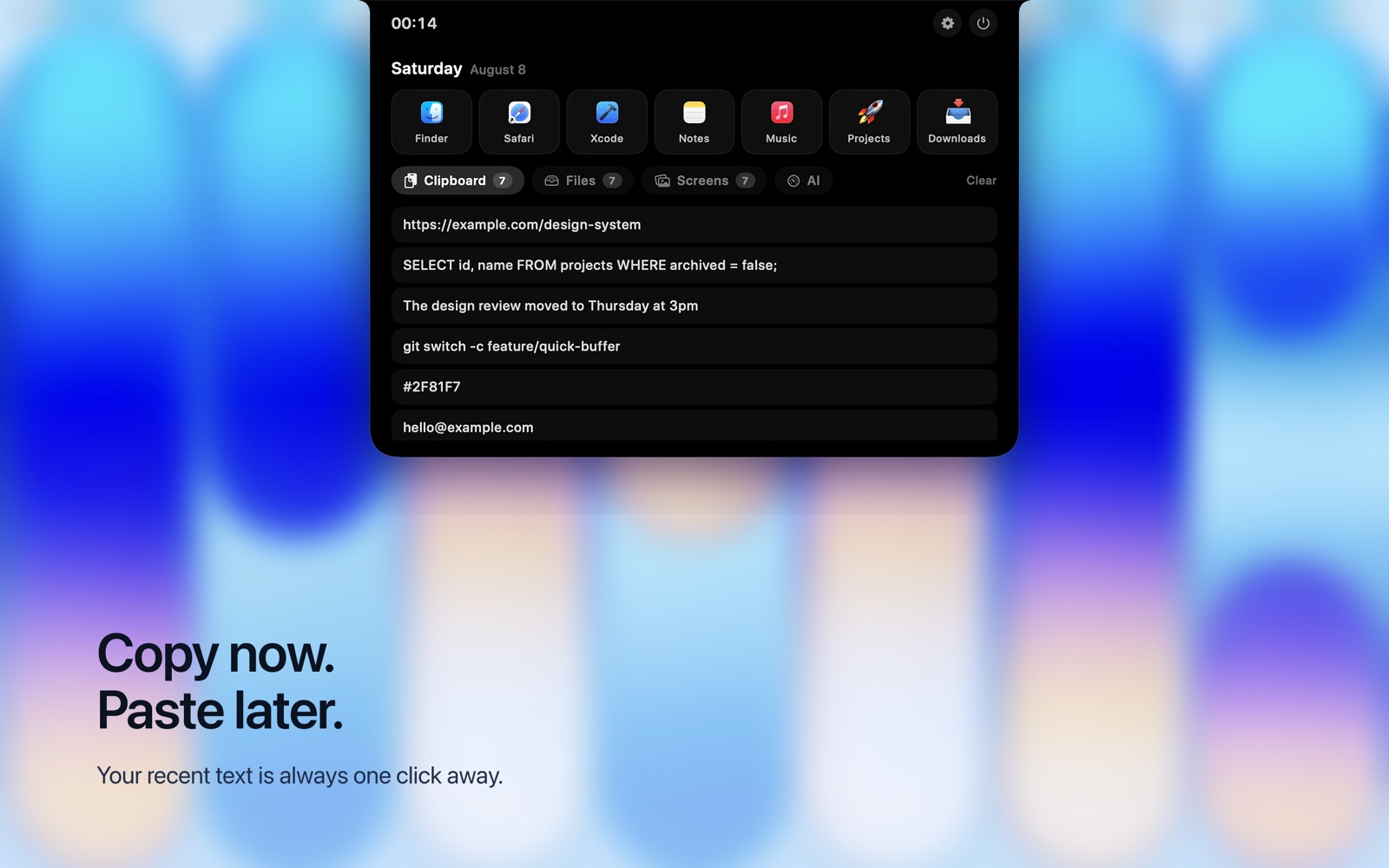
Copy now. Paste later. Your recent text is always one click away 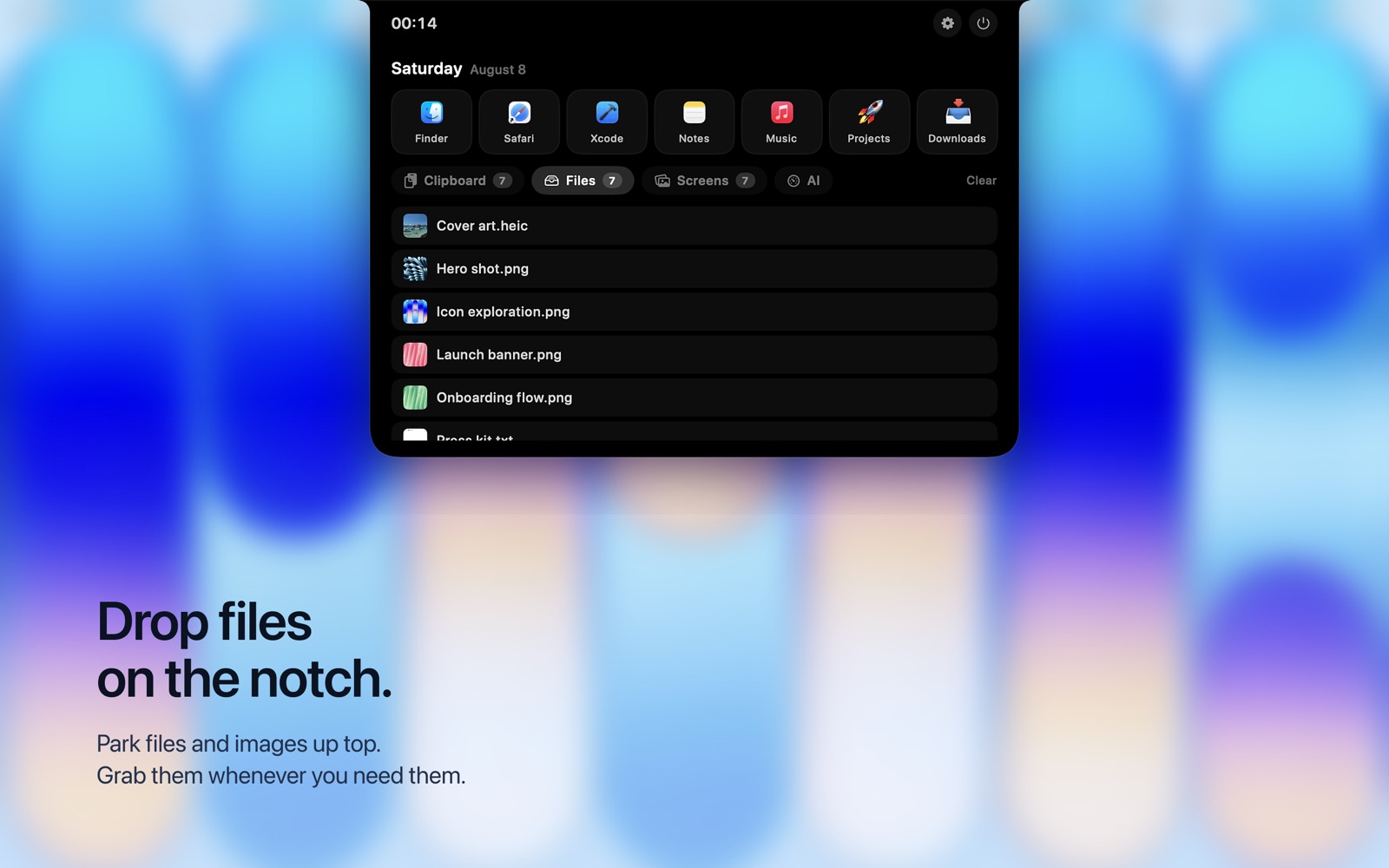
Park files and images up top. Grab them whenever you need them 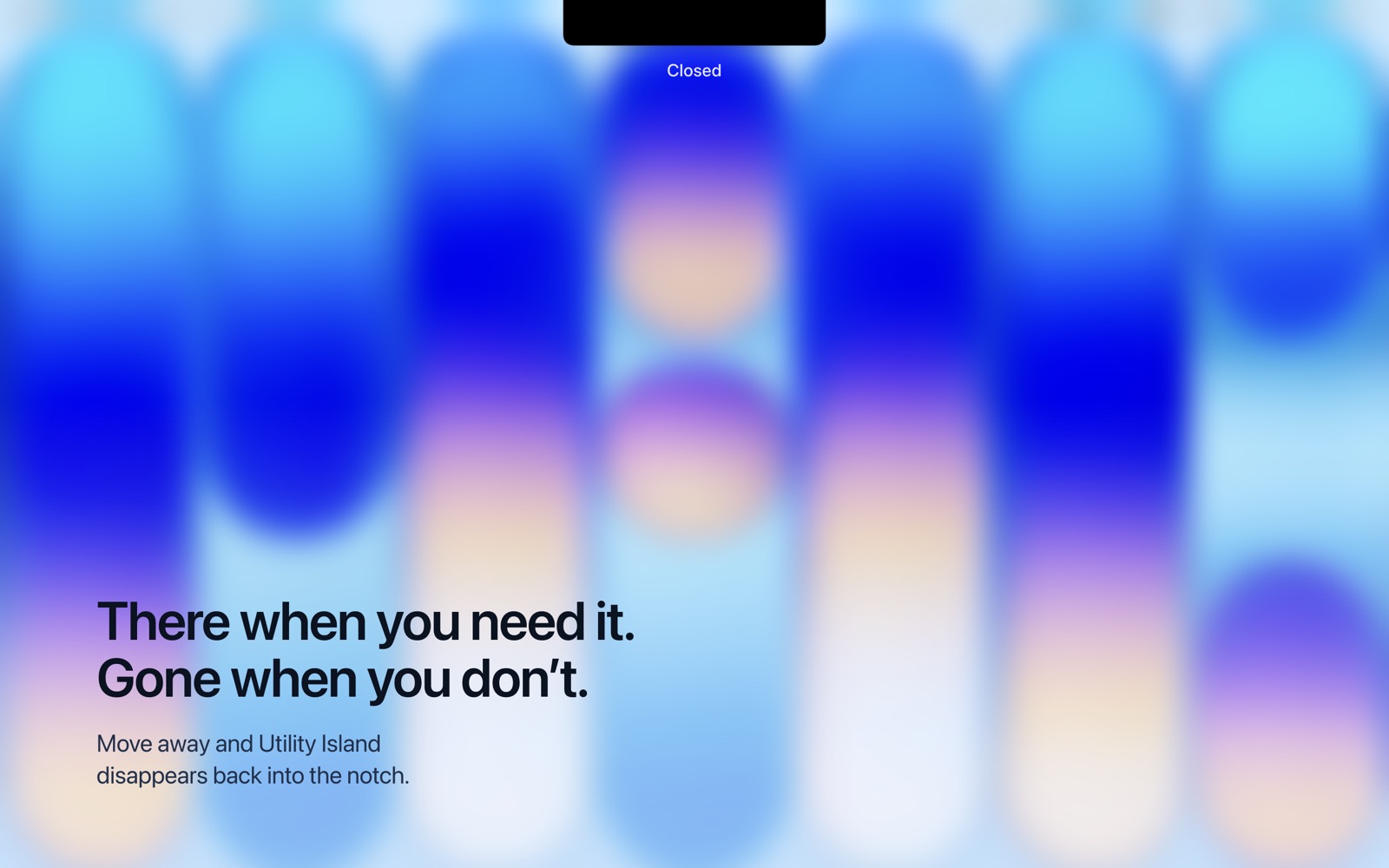
There when you need it. Gone when you do not
Common questions
Is Utility Island available yet?
Not yet — it is in Mac App Store submission. The product page here describes the app as built; the store listing will follow when it is approved.
Does it work on a Mac without a notch?
The shelf is designed around the notch on MacBook Pro and MacBook Air models that have one. Behaviour differs on other Macs — ask and I will tell you exactly what to expect on your model.
Does Utility Island require an account?
No. There is no account, no sign-in and no sync. Everything stays on your Mac.
Does it upload my clipboard anywhere?
No. Clipboard history, shelf files and shortcuts are stored only on your Mac. There is no server, and no analytics or crash-reporting SDK. See the privacy policy.
Will it record my passwords?
No — apps that mark a clipboard item as concealed, as most password managers do, are respected and never recorded. The privacy policy explains the limits of that in full.
Is there a Windows version?
No. It is a macOS app built around Apple hardware.
Get Utility Island
Mac App Store submission in progress
 Magibook Reading & audiobooks
 TimeTill Countdown widgets
 Flunio AI language learning
 Storytelling Kids’ bedtime stories
 DoseNext Medication reminders
Get Utility Island
coming soon!A macOS menu bar utility that turns the notch into a clipboard, a file shelf and a launcher.